
Start with a place
Choose hamlet, village, town or city and its environment. Population, districts and services follow size rules.
A place to visit. A story to discover.
From a roadside hamlet to a city of competing districts. Prepare a written location with government, trade, defences, local problems and places your party can explore.
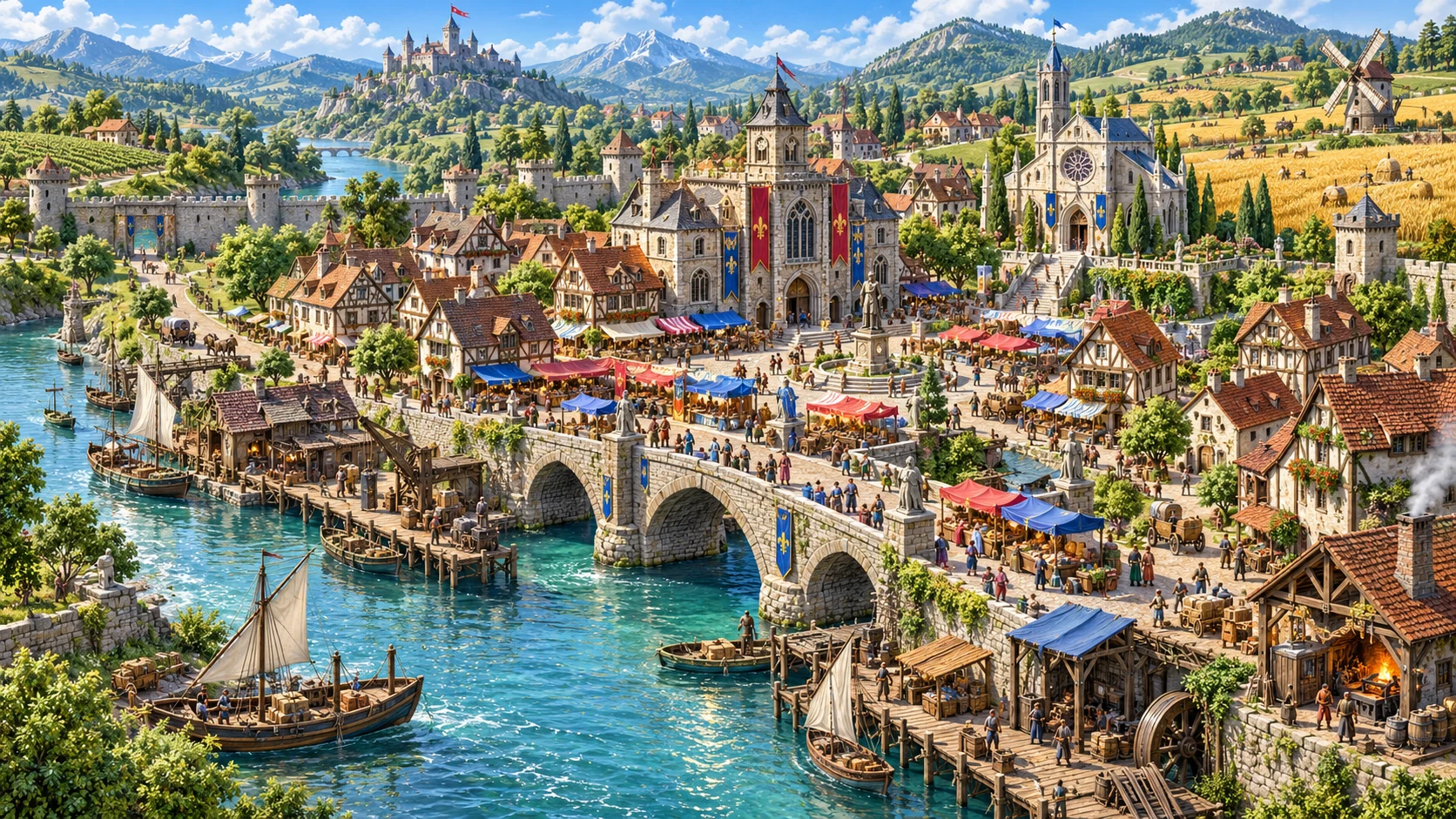
Build the community around the adventure
Create authored location snapshots and adapt their details to your campaign.
Choose hamlet, village, town or city and its environment. Population, districts and services follow size rules.
Read government, law, economy, local institutions and customs together. Let ordinary routines suggest meaningful choices.
Use current problems, district issues, secrets and nearby sites to prepare hooks. Develop the details your table chooses to pursue.
Edit useful names and district details, review the whole result and save it manually to your account library.
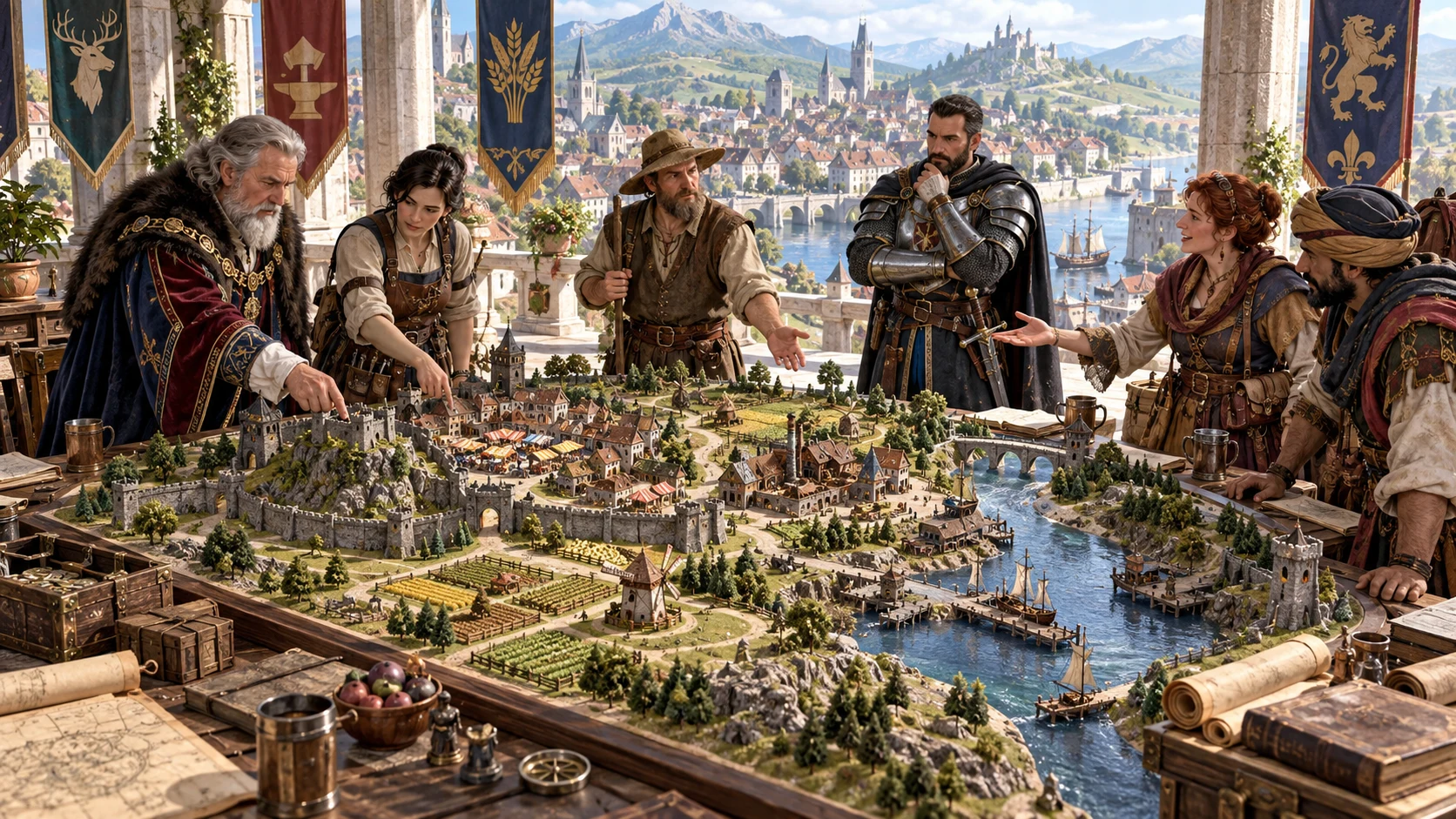
A place shaped by competing needs
A council studies a model of a river settlement. Farms, gates, markets and public buildings suggest how different interests meet.
The product supplies written location details rather than a visual map or a town simulation. Review how each district fits your setting.
A written location for your table
Open Settlement Generator on Windows through Desktop Command Centre.
Set size, environment and an optional seed. Quick keeps your current Deep settings; it does not reset them.
Use Deep for government, trade, wealth, culture, defences and pressure. Invalid population input is replaced by a size-appropriate value.
Read the districts and local problems, lock useful material and edit available fields. Review the wider result after any reroll.
Save the current result manually. Copy the appropriate text view or download structured JSON, then review player wording before sharing.
One location, connected details
Use the result as a foundation for your own preparation.
Create a hamlet, village, town or city. Population and district counts are bounded by size, with services and defensive works supplied for that scale.
Read named districts with streets, landmarks, local issues and event seeds. Use them to anchor everyday travel and the party’s next discovery.
Choose government, law, wealth, trade, industries, religious influence and military importance. Read local authority and economic context together.
Choose prosperity, decline, frontier, occupation, siege or recovery. Combine local problems, factions, customs, secrets and nearby sites into adventure preparation.
Lock named places or existing districts before generating again. Size bounds still apply; review which districts remain if you reduce the settlement scale.
Edit the settlement name and district name, character, landmark or issue. Rerolls can change other unlocked material, so check the whole snapshot afterward.
Save manually, search by name, reopen, rename, duplicate or delete. Mark records draft, ready or used, and retain up to ten earlier snapshots in subsequent saves.
Copy a DM summary or the separate player gazetteer, download the current structured JSON or print the DM view. Review player wording after editing before sharing.
Scale changes the shape of the place
Size rules bound population and districts; review descriptions rather than treating checks as a complete fiction audit.
20–90 people and 1–2 districts. Small service lists and defensive works based on fences, ditches and a communal refuge.
90–900 people and 2–4 districts. Practical services with earthworks, a watch post and reinforced approaches.
900–8,000 people and 4–7 districts. A wider service range, gates, partial walls and raised watch points.
8,000–45,000 people and 7–12 districts. Broader services, layered walls, controlled gates and district watch posts.
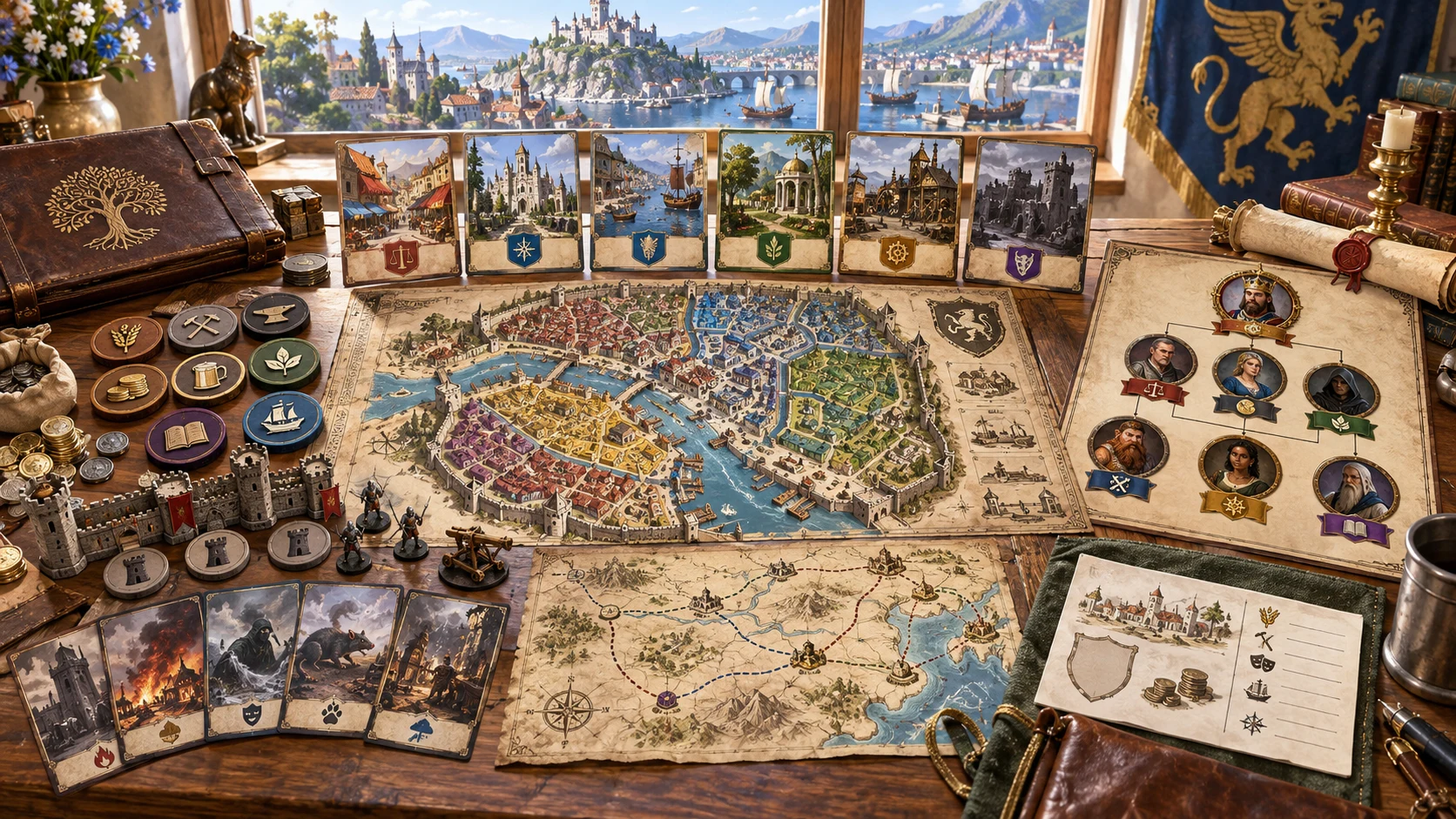
A settlement snapshot to develop
A district map, place cards, civic symbols and a relationship sheet illustrate an organised location guide.
The app produces text and structured data, not this artwork. Use the DM summary, separate player gazetteer and full JSON for different purposes.
Refine with the wider result in view
Locks and rerolls target particular material within a rebuilt settlement.
Other districts are retained when they still exist in the chosen size. Names and material outside the district list can change.
Governance, economy, issue and landmark rerolls retain the other three of those sections. They do not freeze the entire location.
Named-place locks retain their targeted names. District locks apply within the rebuilt size; reducing district count can remove a locked district.
The entered seed combines with a changing variation counter. The visible seed alone does not reproduce every result. Save or download the snapshot you want to keep.
Review before keeping or sharing
Read the fiction after generation, rerolls, edits or renaming.
Save checks population, district and service counts, required defence and commerce text, and direct secret-string leakage. It does not prove every description agrees.
Change the settlement name and district name, character, landmark or issue. Other structured fields are retained in the downloaded result.
Edits and renames do not rebuild the player gazetteer. Review it before sharing so its names, landmarks and details agree with your current location.
No settlement management, time simulation, deep merchant stock or staffing system runs here. Use separate products where their specific detail is needed.
Choose the generator access you need
Current selected-generator prices are charged in US dollars.
US$1.99/month for Settlement Generator as an individually selected standalone generator.
US$8.99/month for a pack of five chosen standalone generators. Select the tools you need through your account.
A free account does not by itself include paid generator access. Open the product through Desktop Command Centre with the required entitlement.
Combat PRO and image products have their own required access. A generator subscription does not include every linked product.
Keep work worth returning to
Save deliberately and retain an independent backup of important preparation.

Save validates the current result through the active DCC session. Unsaved edits are not automatically kept; account saves require access and a working connection.
Subsequent saves retain up to ten earlier snapshots. The library has no control to reopen them or restore a prior version.
Opening a saved record restores its result and seed, not all generation controls, locks or the variation counter. Check these before generating again.
Download the complete current settlement as structured JSON. There is no JSON import control; use the file as a reference and backup.
Your location within a wider toolkit
Related products keep their own purpose, required access and execution boundaries.

Discover and open your supported Windows products through one connected VISINVOKE account.
Explore environment packs for the workplaces, roads and expedition locations your campaign visits.
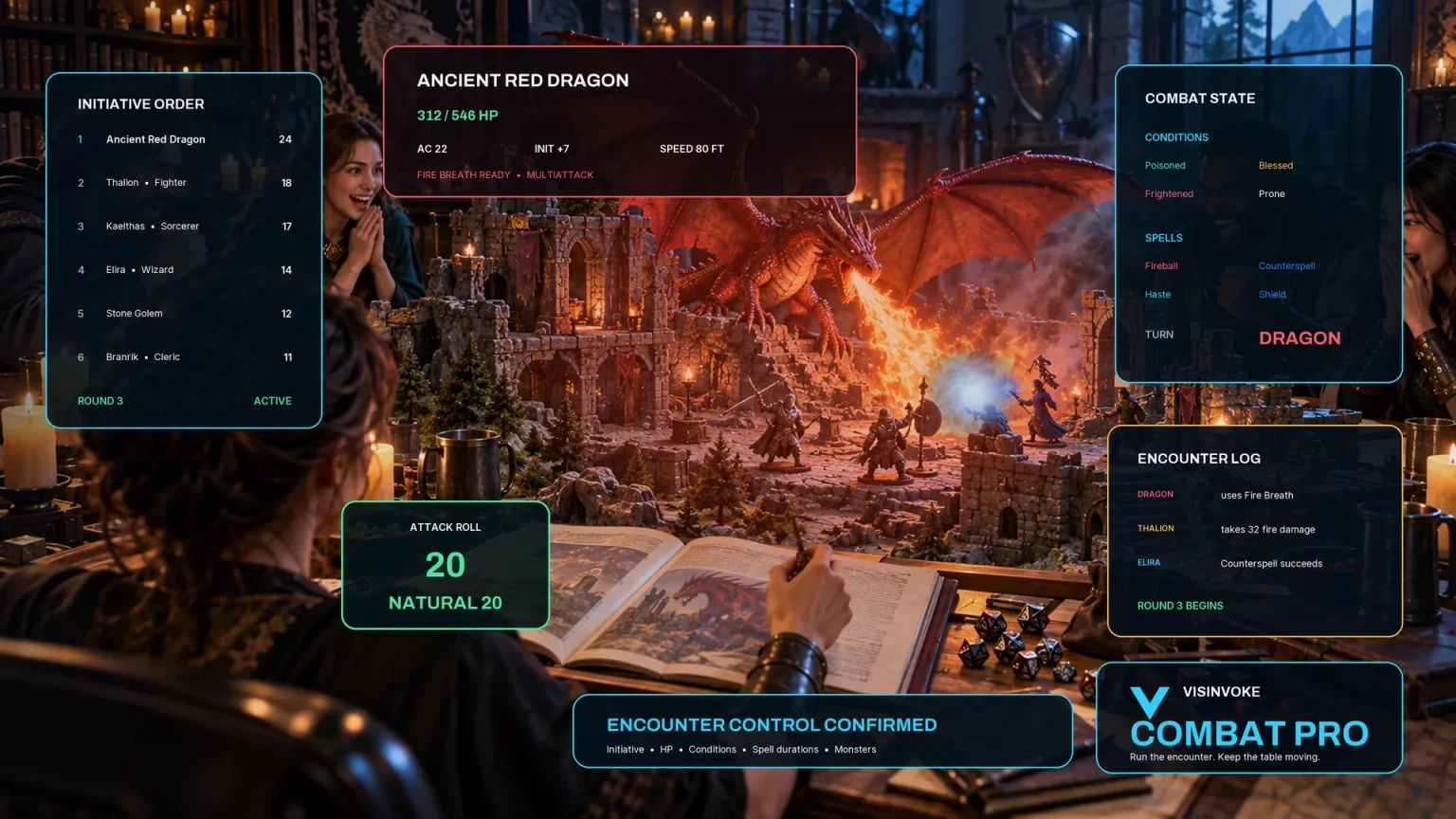
Prepare and run tabletop encounters with separate required access. Send the generated gatehouse defence scene to a prepared slot and review it before play.
Create fantasy character, creature, item and location imagery for your tabletop preparation.

Create guided commercial visuals for websites, brochures and other creative projects.
Explore a separate futuristic RPG world with its own characters, rules and progression.
Product artwork illustrates settlement preparation, not application screens or actual generated image output.
Know the workflow before you start
Understand what the current product keeps, changes and shares.
Quick shows settlement size, environment and seed. Deep adds population, wealth, age, government, law, trade, magic, religion, military importance, industries, population mix, district count, prosperity, threat pressure, regional relationship and tone. Quick retains the current Deep settings; switching modes does not reset them. Each generation uses the entered seed and a changing variation counter, so the visible seed alone is not a promise of an identical result.
Hamlets use 20–90 people and 1–2 districts; villages 90–900 and 2–4; towns 900–8,000 and 4–7; cities 8,000–45,000 and 7–12. An invalid or out-of-range population input is replaced by a size-appropriate value, and district count is clamped to the chosen size. Save checks population, district count, service count, required defence and commerce text, and direct DM-secret leakage into the player gazetteer. These checks do not prove every description agrees with your geography or edits. Review the location yourself.
No. Rerolls rebuild the settlement and may change its name, unlocked districts and other details. A district reroll retains other districts that still exist in the chosen size, but can change material outside the district list. Governance, economy, issue and landmark rerolls retain the other three of those sections; they do not freeze the entire location. Named-place and district locks preserve their targeted material within the rebuilt result. Review the whole settlement after a reroll.
Save validates and stores the current result manually through the active Desktop Command Centre session. Subsequent saves of the same record retain up to ten earlier snapshots, but the library has no control to reopen them. Opening a saved record restores its result and seed, not all generation controls, locks or the variation counter. Review those controls before generating again. Unsaved edits are not automatically kept; keep a JSON backup of important work. Account saves require access and a working connection, and errors are shown.
The DM copy is a text summary with identity, overview, population, government, economy, districts, problems, hooks, secrets, ID and seed; it is not every field in the full structured result. JSON download contains the current complete settlement, with no JSON import control. The player gazetteer separately contains its name, introduction, known districts, services and concerns. Edits and renames do not rebuild that gazetteer, so review it before sharing. Print uses the DM view and includes secrets; it is not a player handout.
The current transfer button sends the generated gatehouse defence scene to a prepared encounter slot. It carries the terrain concept, district reference, hazards, civilian-protection objective and a generic enemy reference, without full creature statistics, maps or the whole settlement. Combat PRO access and available prepared-encounter capacity are required. Repeated transfer of the same settlement ID and scene is treated as a duplicate; edits do not automatically update an already imported scene. Review the encounter before play. No live combat starts and no settlement simulation is transferred.
Continue in VISINVOKE
Create a free VISINVOKE account and choose the required standalone generator access.
Get Desktop Command Centre from your account installer page. Sign in on Windows, then open Settlement Generator.